AD BLOCKING
Give the content
some room.
Reduce unwanted ads, pop-ups and banners so you can focus on the page you came to see.
Available with Premium QuantumQUICKSURF BROWSERGet the app
 YOUR FAST BROWSER · FOR IPHONE
A little more focus. A little more control.
Meet the browser that brings ad blocking, VPN and AI together in one place.
Free to download · In-app purchases · iOS 16+
Explore your browser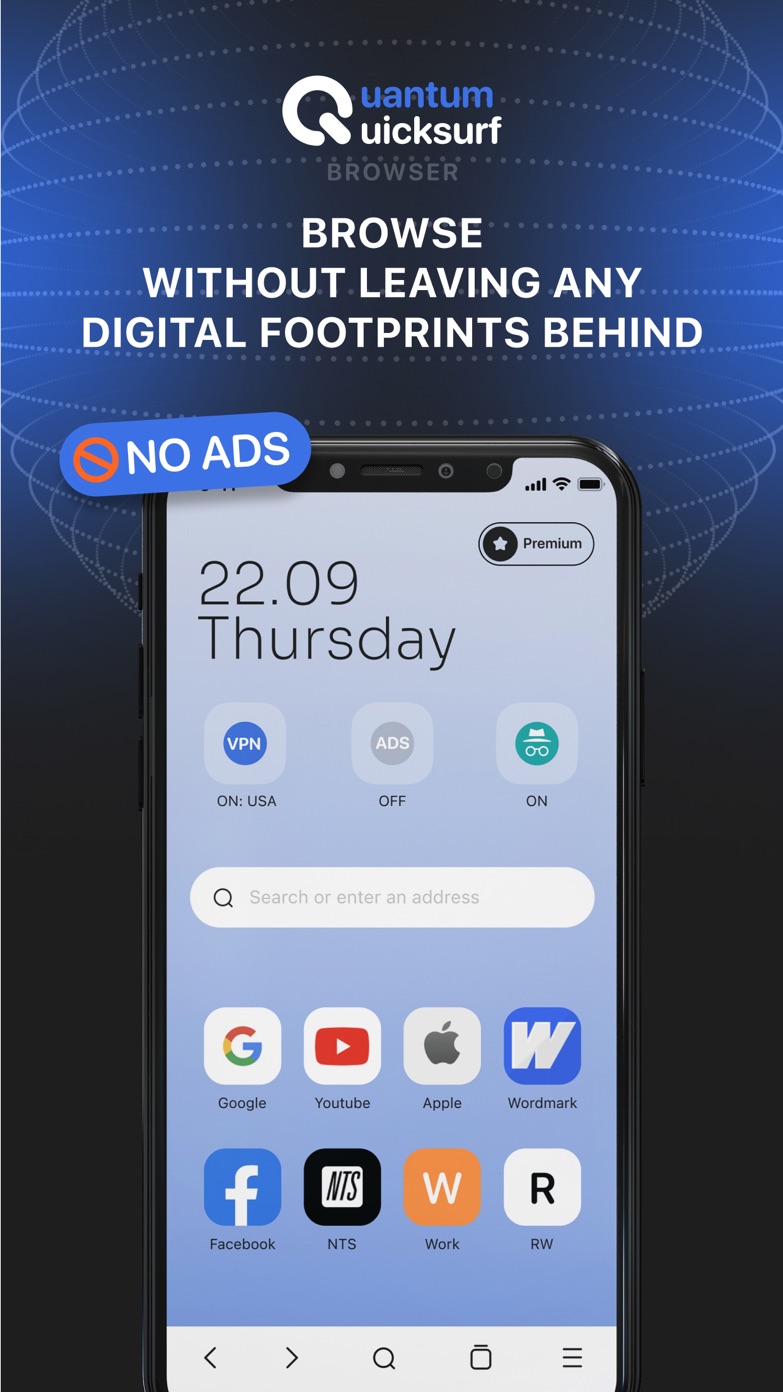
MADE FOR YOUR EVERYDAY INTERNET
Read, explore and ask questions.
Keep useful browsing tools close at hand.
AD BLOCKING
Reduce unwanted ads, pop-ups and banners so you can focus on the page you came to see.
Available with PremiumVPN
Access the built-in VPN directly from the app. Premium includes unlimited VPN access.
PRIVATE BROWSING
Use private browsing mode when you want a separate session for your everyday searches.
Ask the in-app AI assistant questions and get recommendations. Premium includes unlimited queries.
Search known data breaches for your email address and take a closer look at your online identity.
A CLOSER LOOK
A familiar browser, with more tools within reach. Take a look inside Quantum Quicksurf.
Actual screenshots from the App Store.
Home screenGOOD TO KNOW
Simple answers, before you download.
The app is free to download and offers in-app purchases. Premium includes ad blocking, unlimited VPN access and unlimited AI assistant queries. Check the App Store and in-app purchase screen for current pricing and subscription terms.
Quantum Quicksurf is designed for iPhone and requires iOS 16.0 or later. See the App Store listing for the full compatibility details.
It lets you search known data breaches for your email address. A search can help you spot exposure; it does not prevent breaches or guarantee that every incident will be found.
Read the developer’s Privacy Policy and the App Privacy section in the App Store listing for information about data practices.
Manage or cancel App Store subscriptions in your iPhone’s Settings: tap your name, then Subscriptions, and choose the app. Your current plan and renewal details appear there.
MAKE ROOM FOR A BETTER BROWSE
Available for iPhone · Free download with in-app purchases